
Cards
One card language for everything you can go to: a white surface, a single accent colour taken from the content, a Playfair title and a quiet meta row. The card is the link; at most one small action sits inside.
Anatomy
Shown on a festival card — the most complete variant. Every other card drops parts, never adds new ones.
- 1Surface
bg-white (bg-card), rounded-2xl (rounded-xl for list rows), 1px border in accent at 33% (accent + "55").
- 2Shadow
Card shadow tinted by accent: 0 1px 0 accent·13%, 0 8px 22px warm 5%. Plan cards use the sticker shadow 3px 4px 0 -1px accent·18%.
- 3Accent
A 6px top bar, a logo ring or the time column carries the colour. One accent per card.
- 4Eyebrow
Countdown in Playfair italic, in accent ("In 3 months"). Or a 10px caps label for categories.
- 5Title
font-display bold, text-lg, brown-900. One line on desktop, wraps on mobile — never truncate a name.
- 6Meta row
font-sans text-xs, brown-700, Lucide icons w-3 h-3 in amber-600. Date · place · count.
- 7Chips
Style chips: 10px caps, rounded-full, accent text on accent·9% (accent + "18"). Max 3–4, then "+N".
- 8Action
One secondary pill (Going? → Going!) on the right. The card itself is the primary action (navigate).
Accent colour logic
The accent is content, not decoration: it identifies the festival or the dance style across the card, the hero and the plan. Pick it once, derive the rest.
Where it comes from
- Festival / plan:
festival.accentColor, fallbackWD.amber600. - Event: its first dance style (salsa red, bachata purple, timba amber, casino green, rueda cyan…), fallback amber-600.
- Artist: the context’s accent — the festival on a lineup, rotating brand colours on /artists.
Derived steps
| accent | Bar, countdown, chip text, filled pill |
| accent + 55 (33%) | Border, outline pill border |
| accent + 22 (13%) | Hairline shadow |
| accent + 18 (9%) | Chip background |
| accent + 0d (5%) | Plan card header tint |
Style → accent map used by EventSchedule (CSS context: use var(--wd-*); JS: WD.* so alpha suffixes work).
Variants
Four variants cover the product. Choose by what the dancer is deciding, not by what data you have.
Event row
Recurring classes and socials in a list grouped by day. Time first, because people scan by time.
City “What’s on”, venue schedules — EventSchedule.vue
Festival
Multi-day events you plan months ahead. Logo + countdown + dates + styles + “planning” count.
/festivals listing, homepage
Artist
People. Face first (square photo), name, flags, styles. Never without a real photo.
/artists, festival lineup — ArtistCard.vue
Plan
Things the dancer already picked. Sticker shadow + tinted header say “this is yours”.
/my-plan, shared plans — YearPlan.vue, SharedYearPlan.vue
Event row
Live EventSchedule component with mock events. Time column in the style accent, type badge, style chips, place, then Going?. (Interaction is disabled here so the docs never write to your plan.)
Saturday, Oct 24
Tonight- Timba
Timba Thursday
Sunday, Oct 25
- Casino
- Rueda
Casino beginners
<EventSchedule :events="events" />
// events: { id, title, eventType?, styles?, artists?, eventDate, startTime?, endTime?, location?, href? }[]
Festival card
Use the FestivalCard component (app/components/FestivalCard.vue) — stretched-link title, Going? above it, accent-aware chips and an avatar row. Recipe:
<div
  class="group relative rounded-2xl overflow-hidden bg-card border transition-all hover:-translate-y-1 focus-within:ring-2 focus-within:ring-ring"
  :style="{
    borderColor: accent + '55',
    boxShadow: '0 1px 0 ' + accent + '22, 0 8px 22px rgba(59,31,18,0.05)',
  }"
>
  <div class="h-1.5" :style="{ background: accent }" />
  <div class="p-5">
    <h3 class="font-display font-bold text-lg text-foreground">
      <!-- stretched link: the whole card is clickable, but only the title is the link -->
      <NuxtLink :to="`/festivals/${f.slug}`" class="outline-none after:absolute after:inset-0">{{ f.name }}</NuxtLink>
    </h3>
    <p class="mt-1 font-sans text-xs text-muted-foreground">…meta…</p>
    <button type="button" class="relative z-10 …" @click="onPick(f.slug)">Going?</button>
  </div>
</div>

// accent comes from content, falling back to the brand amber:
const accent = f.accentColor || WD.amber600
Artist card
Live ArtistCard with real lineup data from ¡Menéate Viena! Face first, whole card links to the profile.

- Rumba
- Afro-Cuban
- Son Cubano
A master of Columbia and traditional Cuban forms — the deep Rumba, Son, and Afrocuban knowledge most festivals only wish they had.
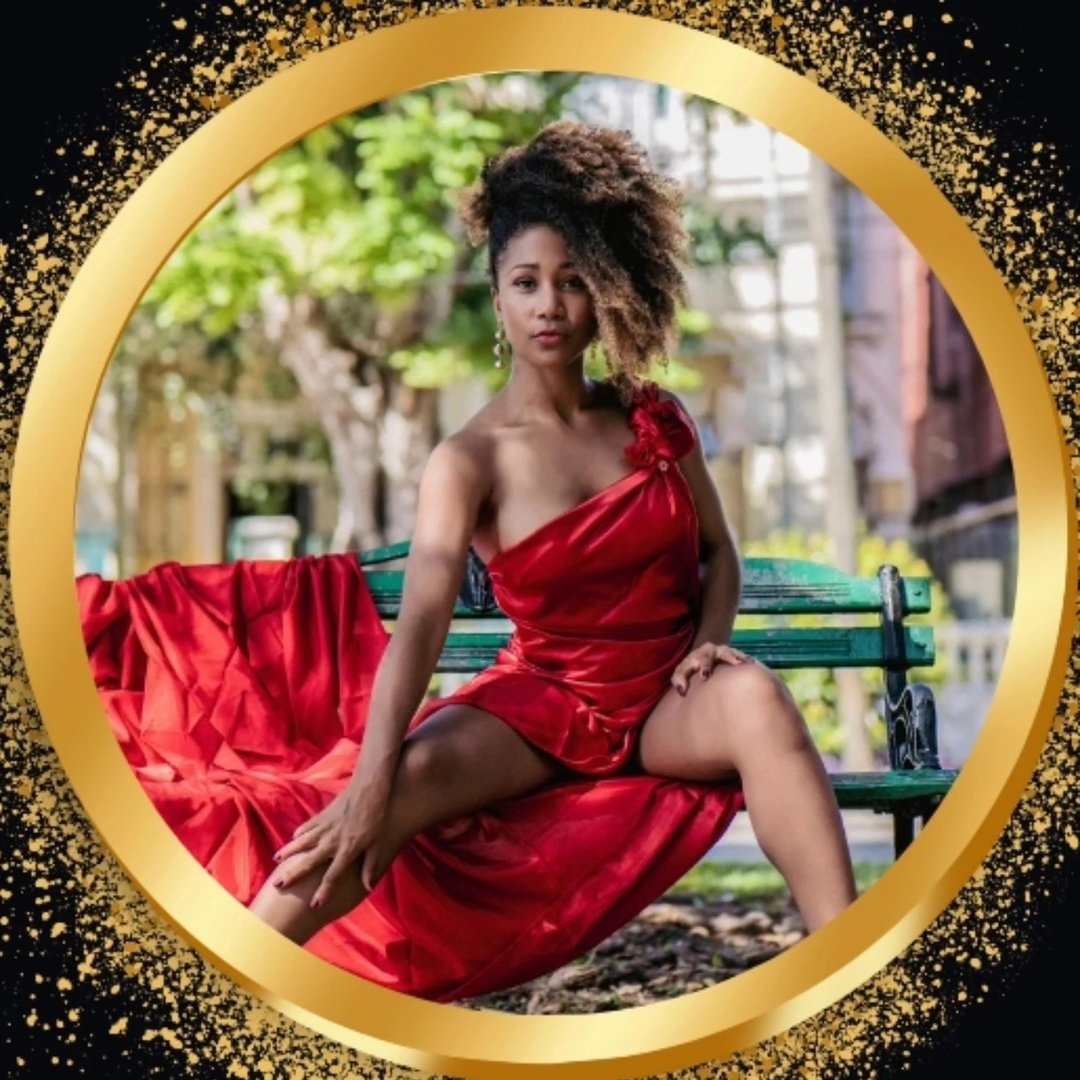
- Timba
- Son Cubano
- Ladies Styling
Son Cubano, Lady Style, and Cha Cha Cha danced from inside the music — elegance with a deep connection to Cuban tradition.

- Casino
- Rueda
The clarity that makes rueda finally click — Casino en Pareja and Rueda de Casino, taught with Ivan.
<ArtistCard :artist="teacher" :accent="festival.accentColor" />

<!-- Lineup: the card filters the schedule, a separate link reaches the profile -->
<ArtistCard :artist="teacher" :accent="accent" selectable :selected="active" @select="filterBy(teacher)" />
The middle card shows the selectable + selected state used on festival lineups.
Plan card
Something the dancer already picked. Sticker shadow and a tinted header make it feel stuck onto their year. From YearPlan.vue (static recreation — YearPlan renders the whole dashboard).
Do and don't
Do — one accent per card, taken from the content (festival colour or dance style).
Don't — mix two accents, or colour a card by taste. Colour must mean something the dancer can learn.
Do — real faces of real people. If there is no photo, show the initial on the accent — not a stand-in.
Don't — avatar generators, stock or AI faces. “Every face — real” is a product promise.
Do — the card is the link; one small pill action inside (Going?).
Don't — several buttons and links inside one card — the tap target becomes a guessing game on mobile.
Accessibility
- One link per card. A card with no inner controls can be the
<a>(NuxtLink) itself — ArtistCard does this. - Card with an inner button (Going?): a
<button>inside an<a>is invalid HTML and screen readers announce it as one blob. Use the stretched link instead — rootrelative, the title is the link withafter:absolute after:inset-0, the button sits above it withrelative z-10. The anatomy example above is built this way. - Selectable cards use the stretched pattern (ArtistCard
selectable): the name is a<button>stretched over the card, and the profile link sits above it — never a link inside a button. - Never make a
<div @click>card. It can’t be reached by keyboard. Use a link or button root. - Accent text on accent tint (chips) is decorative only for light accents (amber, yellow, sky): the chip text repeats information that is also in the title or filter, so it may sit below 4.5:1 — anything essential goes in brown.
- Images: artist photos use the person’s name as
alt; festival logos use the festival name.